01QuickBooks Enterprise
“You do not need a degree in accounting or computers to understand QuickBooks. It is very user friendly.”

Simply Accounting helps businesses choose, install, implement and use QuickBooks, with practical training and a real local support team behind every step.
From choosing the right edition to implementation, training and ongoing support, Simply Accounting keeps the entire journey connected.
Choose a QuickBooks solution that fits the size of your operation, the reports management needs and the work your finance team handles every day.
We shape QuickBooks around the business, prepare the people who use it and remain accessible when a question or issue needs attention.
 LOCAL TEAM · PRACTICAL DELIVERY
Context-aware advice and direct conversations with a team in Harare.
Software, setup, training and support kept together from the beginning.
Decisions shaped around workflows, users and the reports the business needs.
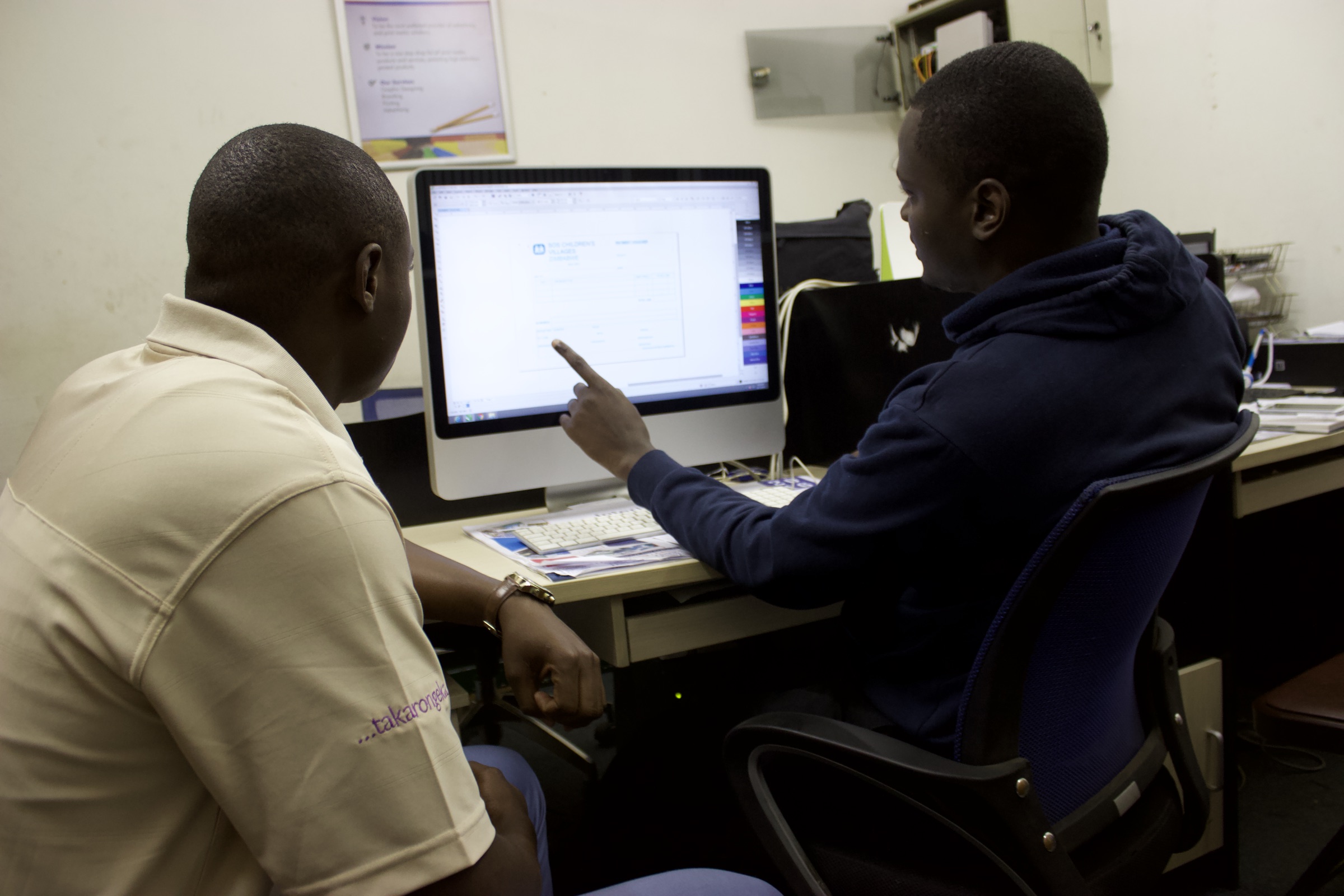
See our team working alongside Zimbabwean businesses, from point-of-sale setup to everyday support.

See how Zimbabwean businesses use QuickBooks for clearer accounting, stronger stock control and more confident day-to-day work.
“You do not need a degree in accounting or computers to understand QuickBooks. It is very user friendly.”
“We needed an easy to use, powerful, reliable retail solution that could help us manage stock and grow our sales.”
“With over 6000 product items, managing stock is very important for us.”
As QuickBooks Pro users, we understand the problems businesses encounter and help you get more from the software you already own.
Troubleshoot launch failures, crashes and company file access.
↗Resolve activation, licence and product validation errors.
↗Get help recovering access to your QuickBooks company file.
↗Configure fiscalised templates, serialised receipts and compliant workflows.
↗Fix connection and synchronisation issues between systems.
↗Plan a supported move to a newer QuickBooks release or Online.
↗Recover, back up and restore damaged or inaccessible files.
↗Prepare your file, reports and opening balances for the next year.
↗We are a hands-on, grassroots business. Our team works alongside clients to understand the issue, explain the options and help people use their systems with confidence.
Practical help when an issue interrupts the work.
A setup built around the way your business operates.
Confident users, clearer processes and better adoption.
Your request moves through one straightforward workflow, with context and ownership kept together.
Reach us through the website, email, WhatsApp or phone.
We capture the issue and give it a clear reference.
The right specialist reviews the context and next step.
We resolve, guide or plan the work with your team.
Choose the fastest path for the help you need. Our resources and support channels remain connected to the same local team.
Tell us what you are trying to achieve or where your system is getting in the way. Our team will help you find the right next step.