Fast checkout
Process retail transactions efficiently and keep queues moving.
Learn more ↗
Retail systems designed to improve checkout, inventory visibility and customer management without adding complexity.
Bring sales, inventory and customer information into one practical retail workflow.
Process retail transactions efficiently and keep queues moving.
Learn more ↗Create and use product barcodes and price tags with confidence.
Learn more ↗Update stock as products are sold and received.
Learn more ↗Maintain records and purchase histories that help you serve better.
Learn more ↗Support discounts, promotional pricing, loyalty rewards and store credits.
Learn more ↗Understand sales, customers and inventory with useful reporting.
Learn more ↗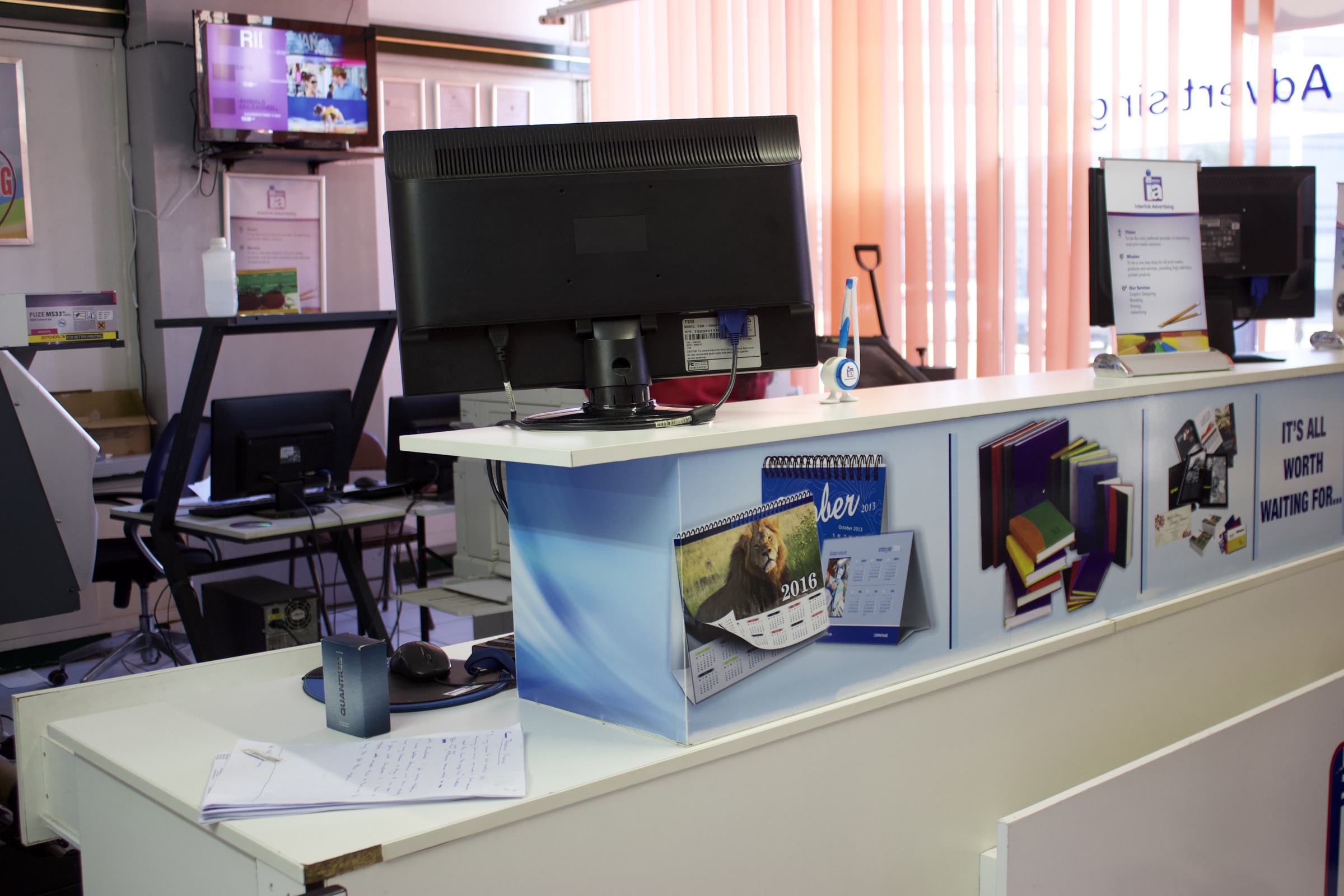
The brochure highlights a practical point-of-sale setup for businesses that need reliable checkout, stock visibility and customer information in one place.
Download the original brochure for the package comparison, hardware overview and feature checklist. Pricing in the brochure is historical; request current availability from the team.
Tell us what you need: software, implementation, training or technical support. Our Zimbabwe-based team will guide you to the right next step.